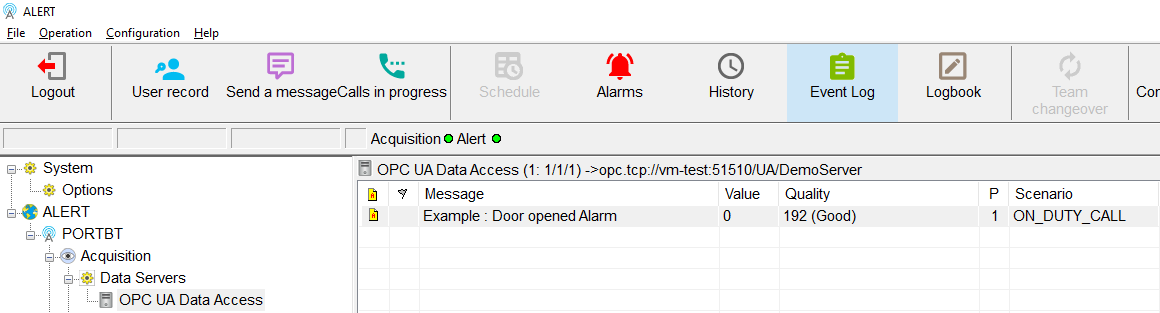
Tags Configuration:
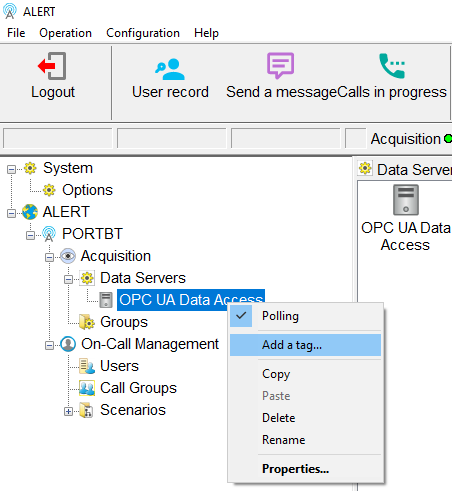
In order to access the tags of OPC UA server in ALERT, right-click on the newly created "OPC UA Data Access" data server:
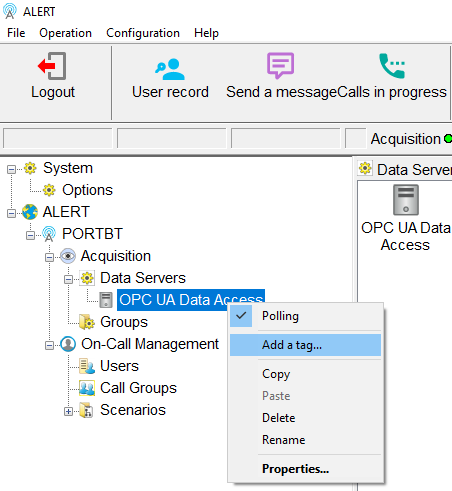
Click on "Add a tag..."
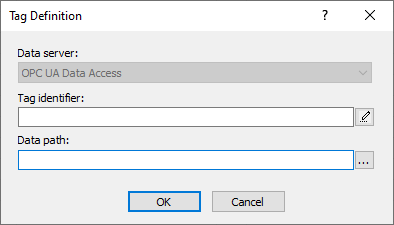
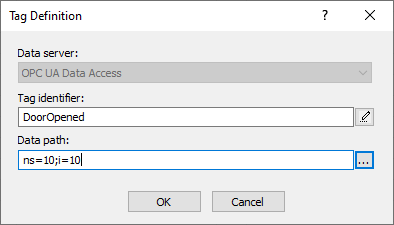
Click on "..." button at the right of the "Data path:" field:
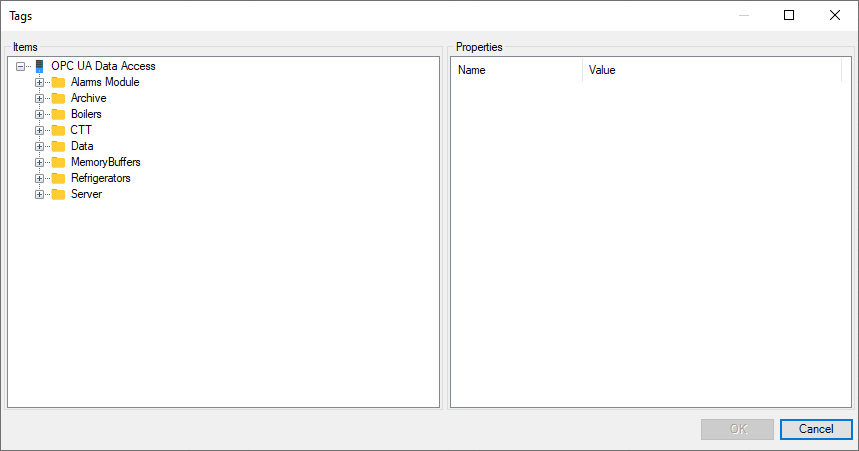
Navigate in the tree structure to display the tag associated to the group of the right part:
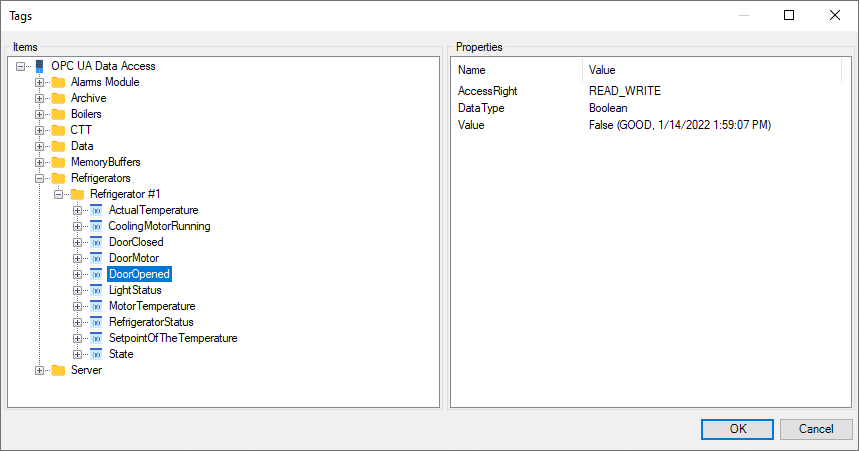
Select the tag to be monitored, then click on “OK” button:
Click on "OK" button:
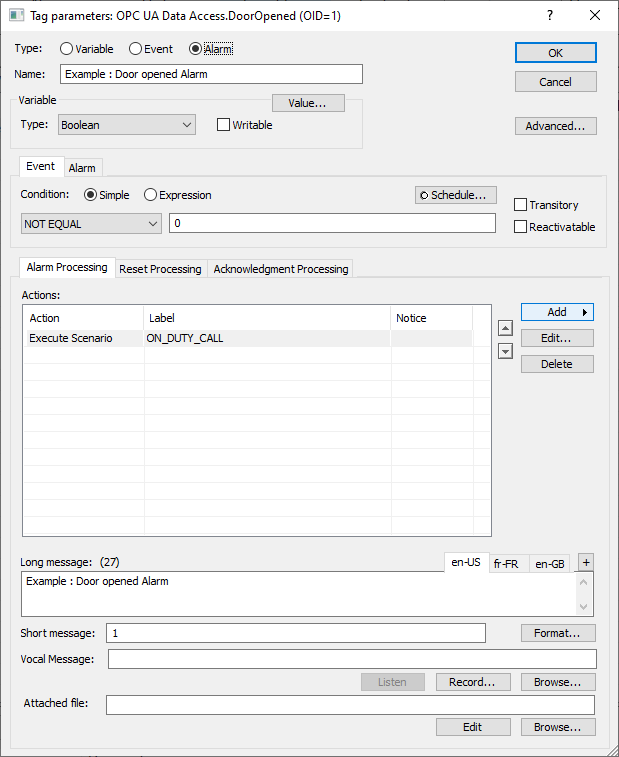
Setup the alarm parameters:
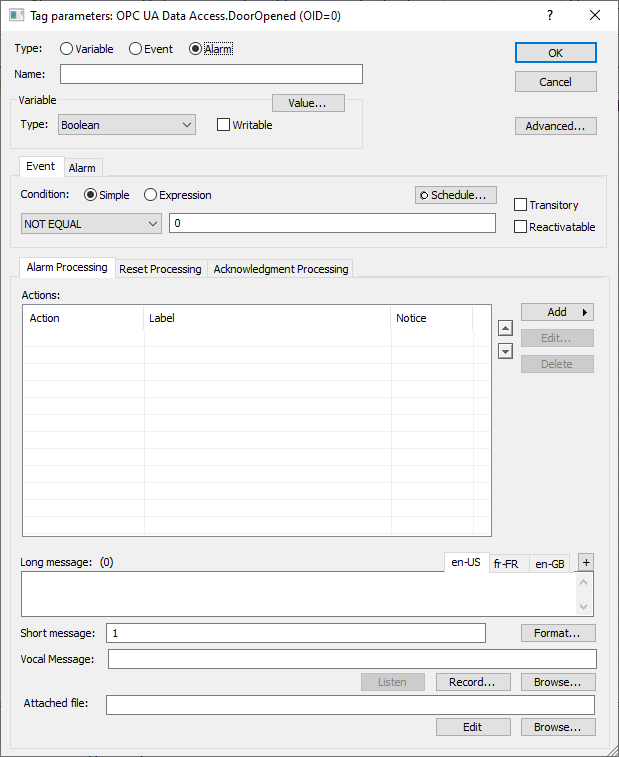
Click on "OK" button to create the tag:
The tag is displayed into ALERT :