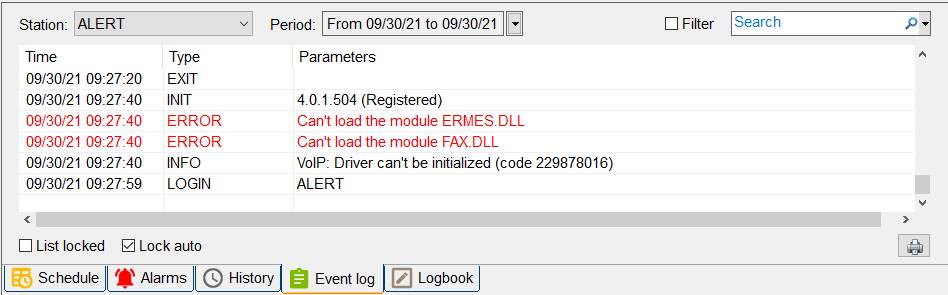
In ALERT 4.0, driver loading errors are specified in the "Event Log" tab at ALERT 4.0 startup.
They are logged like "Can't load the module MODULE_NAME.dll".
Example:
- Can't load the module ERMES.dll
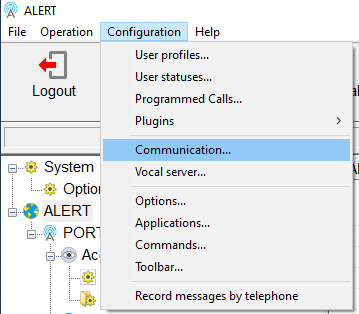
To correct this behavior, click on "Configuration" then "Communication":
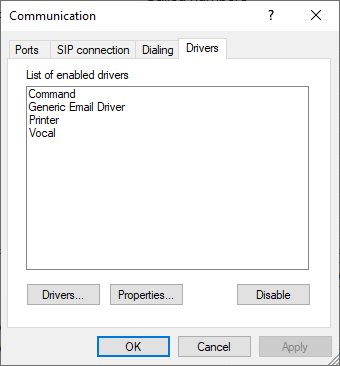
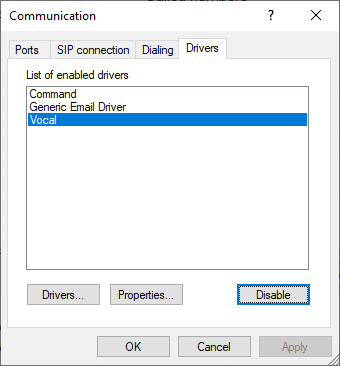
Click on the "Drivers" tab:
Select the driver linked to the error:
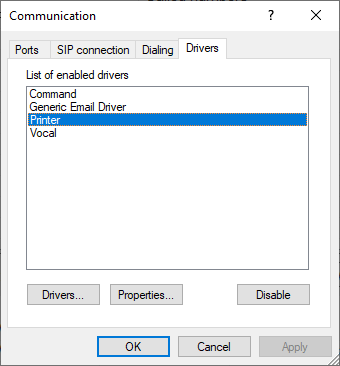
Click on "Disable" button to remove the selected driver from the list:
Click on the "Drivers ..." button then select the driver to delete into the list:
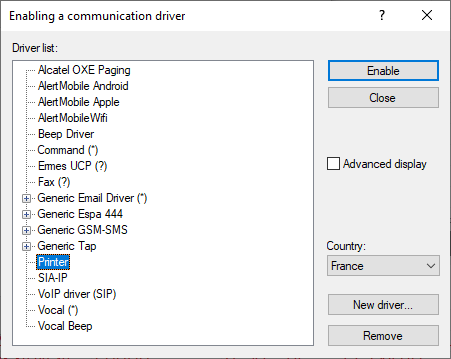
Click on "Remove" button to remove the driver from the list:
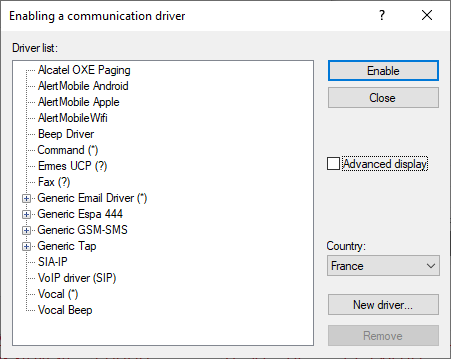
Click on "Close" button:
Click on "OK" button.
The next launch of ALERT 4.0 will not display driver loading error messages into the "Event Log" tab.